PANCROMA Pan Sharpened Images

  Features

  -Downloads-

  -Order-

  -Pricing-

  -User Manual-

  Gallery

  Applications

  White Papers

  Videos

  Requirements

  Problems-FAQ

  Upgrades

  Free Data

  About

  Privacy Policy

  Contact Us

  Email Me
 
[Order PANCROMA Now!]

Order Securely
USD $49.95
(Money Back Guarantee)
We Accept Purchase Orders

Create Pan Sharpened Images today!

Questions? Call John Childs +1.802.399.2246
jchilds@terrainmap.com


Satellite Image Processing and Data Analysis
See the Earth from a New Perspective - [PANCROMA pan sharpening] Windows® PANCROMA

• Geologists: You can add satellite prospecting for hydrocarbon, precious metal and mineral resources to your capabilities portfolio. Turn multispectral analysis and free USGS data into impressive geological surveys.

• Cartographers: You can create stunning 10m, 14.25m and 15m color/orthorectified images for your country (or anywhere in the world) license-free1. Double satellite image resolution without spectral distortion.

• Educators: Create interesting lesson plans and demonstrate the principles of remote sensing using free satellite data easily accessible to your students. Special academic discounts are available for your class.

• Doctoral Candidates/Researchers: Conduct vegetation classification, land use analysis, archeological prospecting, climate, REDD (deforestation), snow pack, urban, and environmental studies. Prepare compelling grant and thesis proposals, enhance research, and and improve your journal submittals. Conduct timely and meaningful research that will impress your defense or review committee.

Trial Download PANCROMA™, your satellite image processing application for pan sharpening, gap filling, image processing and multispectral analysis of Landsat, SPOT®, ASTER, EO-1 ALI, WorldView2®, QuickBird® and GeoEye® satellite data.

Add satellite image processing capability to your toolkit today. Trial Download2 PANCROMA™ or Buy Now with a no-risk investment of $49.95!


Can I Easily Interact with PANCROMA™ ?

[Pan Sharpening Screen Shot]

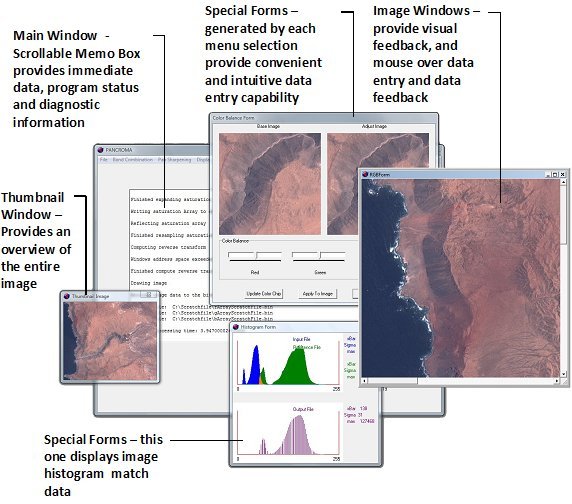
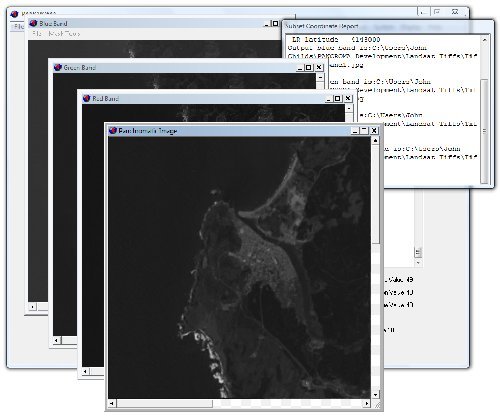
Screen Shot - The PANCROMA™ user interface is application-specific, intuitive and is designed to help you get the job done on schedule.


The information that you need is presented in an informative, no-nonsense interface.


How Can Pan Sharpening Benefit Me?

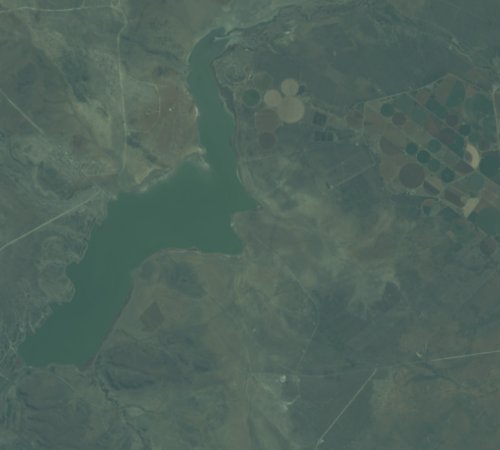
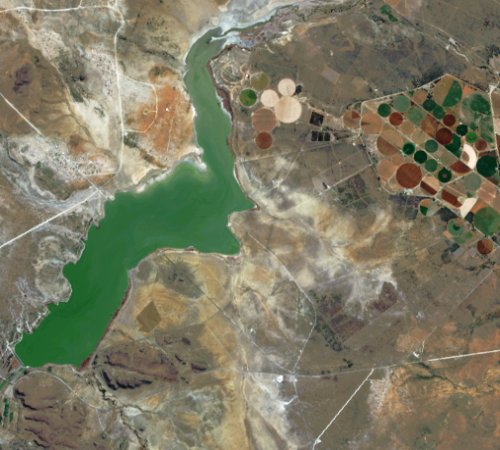
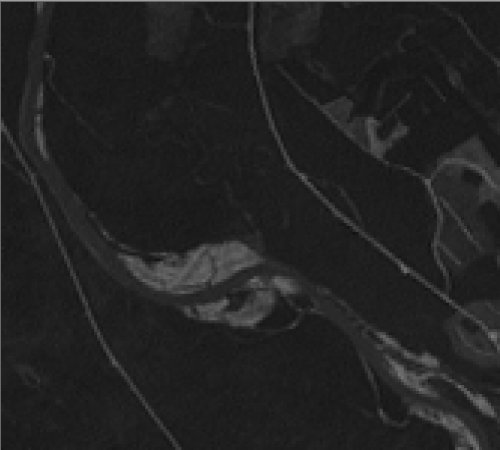
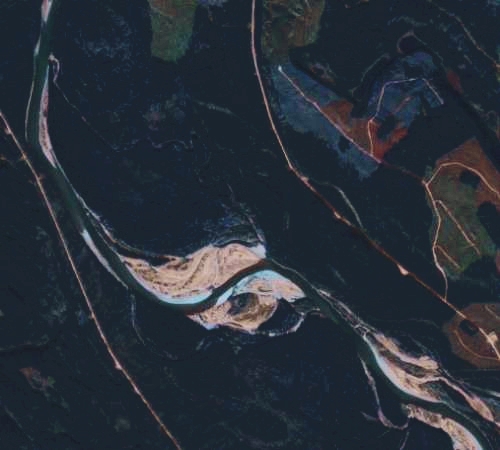
Pan sharpening is a technique that produces a high-resolution color image from the low-resolution multispectral band files and the high resolution grayscale panchromatic band included in Landsat ETM+, SPOT®, Digital Globe®, GeoEye®, EO-1 and other satellite data bundles.

[Before pan sharpening]

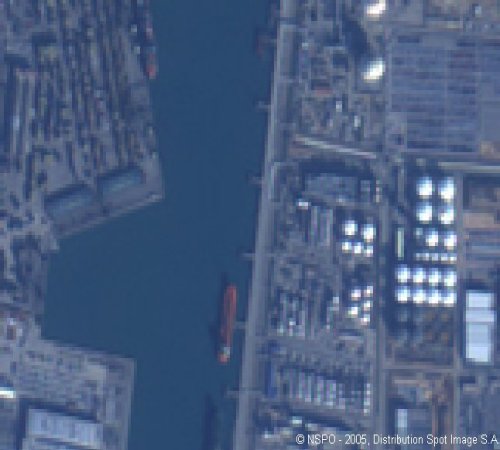
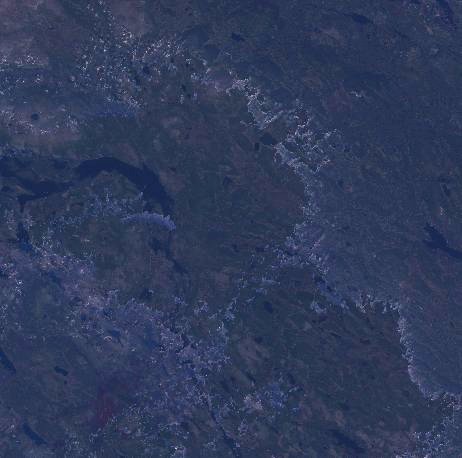
Without Pan Sharpening - 30m EO-1 ALI true color composite subset image made from the low resolution multispectral bands 3,4,5, shown at actual resolution

[After pan sharpening]

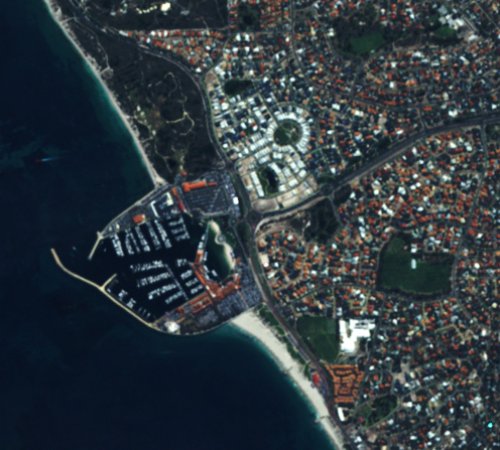
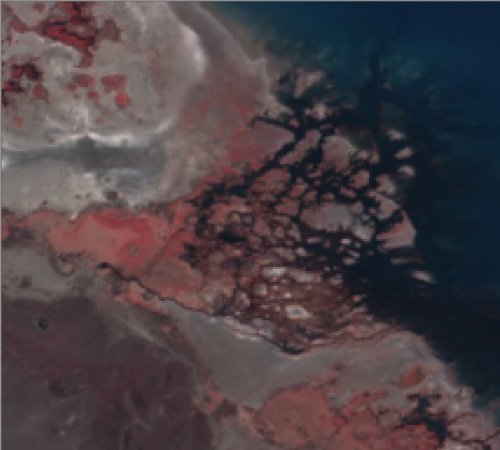
With Pan Sharpening - 10m pan-sharpened EO-1 ALI image subset shown at actual resolution made by fusing the same 30m bands 3,4,5 and the 10m high resolution grayscale panchromatic band1, using PANCROMA™ pan sharpening utilities


Pan sharpening can make free satellite imagery more useful to you and your project work.


What is Gap Filling?

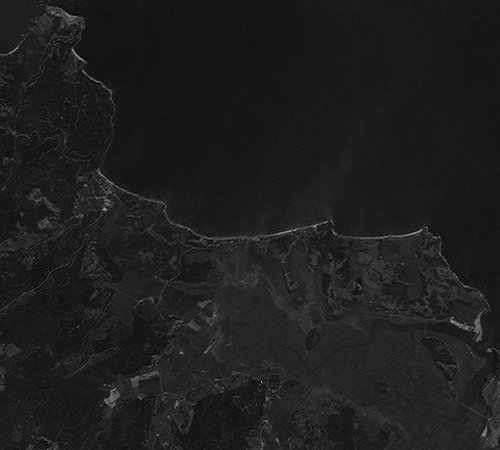
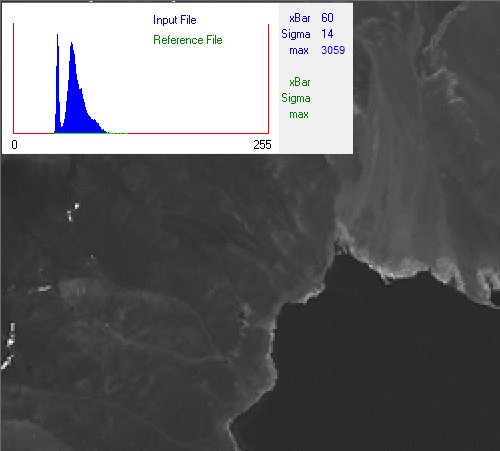
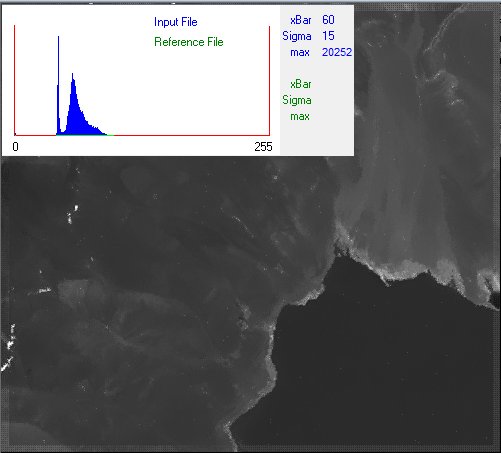
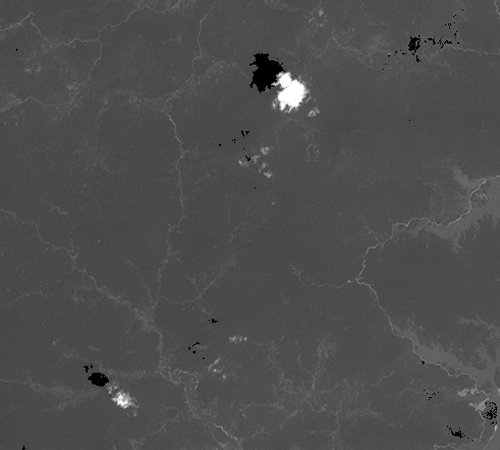
The Landsat 7 satellite suffered a partial failure in 2003 when its Scan Line Corrector (SLC) unexpectedly stopped operating. The SLC failure has resulted in gaps (black stripes) in every Landsat image collected since that time. PANCROMA™ provides three advanced algorithms to fill in the gaps, restoring post-2003 Landsat 7 images using pre or post 2003 source images.

[Before Gap Filling]

Without Gap Fill - Landsat Post-2003 SLC-Off Image Subset showing Gaps

[Gap Filled Landsat Image]

With Gap Fill - Same Landsat image recovered using PANCROMA™ TERAS advanced local optimization gap filling algorithm. Hard to find any traces of the gaps.


Gap filling can turn nearly useless post 2003 Landsat data into a valuable free earth imagery.


How Can Multispectral Analysis give me a New Perspective?

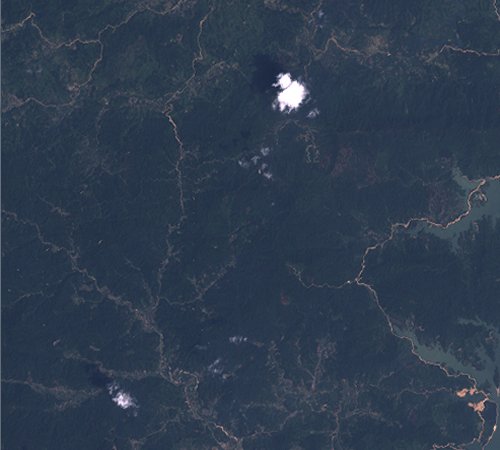
Satellites like Landsat, SPOT, ASTER and EO-1 ALI collect information in the visible spectrum and also in the near (NIR), mid infrared (MIR) and Thermal Infrared (TIR) spectral bands as well. This data can be used for both characterizing features of the earth's surface, and for discovering new features (geochemical mineral indications for example.) PANCROMA™ offers powerful satellite image processing utilities like the Point Spectrum Generator, Spectral Analyzer and Euclidean Distance tools for target discrimination, mineral exploration or land use analysis.

[Landsat Mountain Image Band 3]

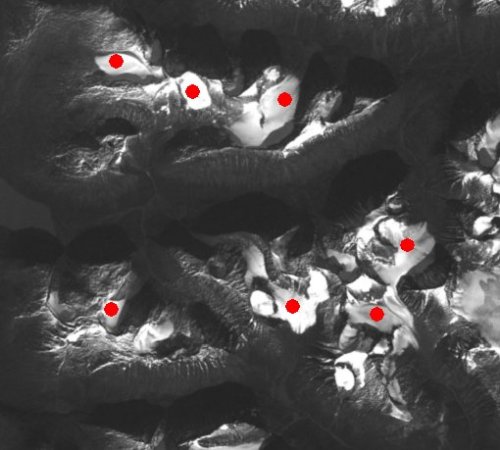
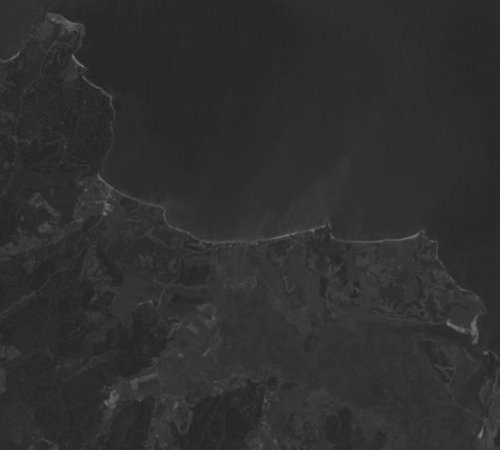
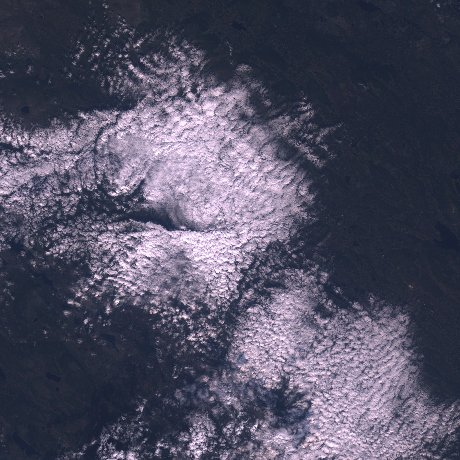
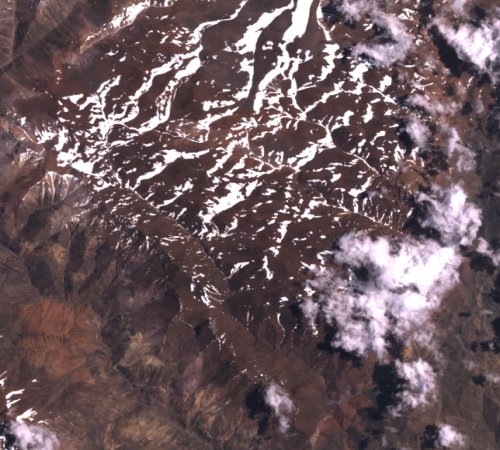
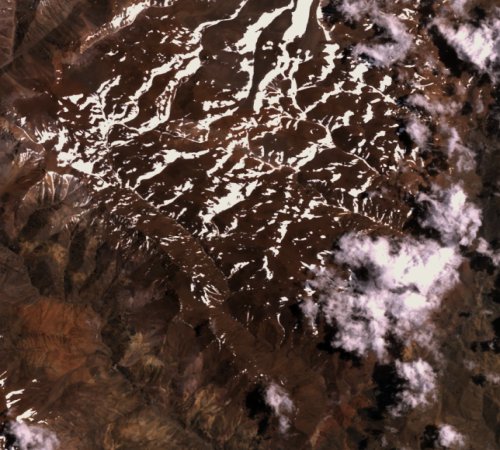
How much snow? The problem is to estimate snow pack area in this mountainous region to predict runoff and water reserves. This is a Landsat band1 image. You can zoom in to the pixel level and view whichever band you wish using the PANCROMA™ Point Spectrum generator.


[Landsat Snow Pack Reflectance Spectrum]

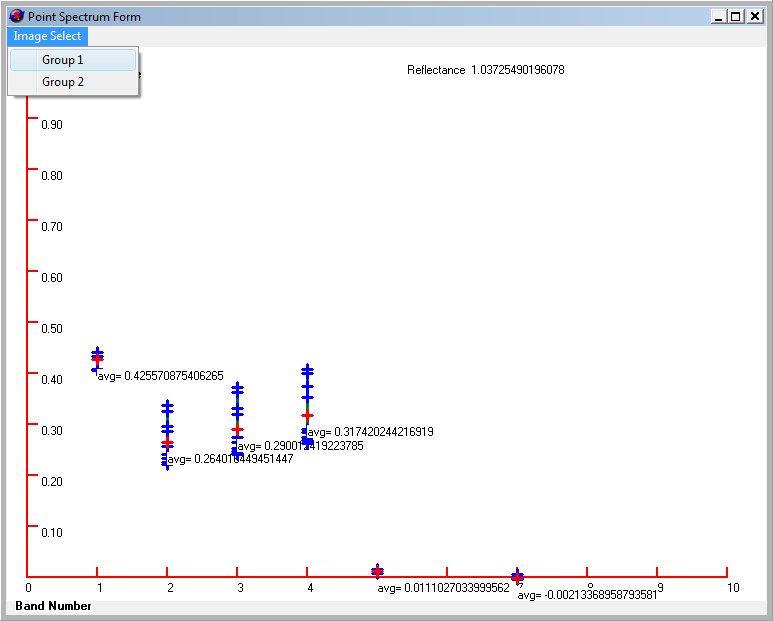
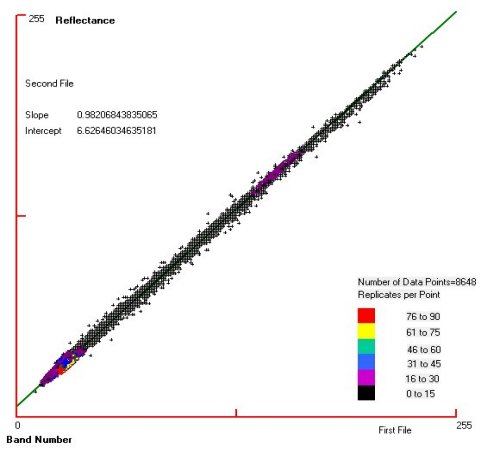
Snow pack reflectance spectrum generated using Landsat Point Spectrum utility made by clicking on about 20 snowy points on the band1 image. The vertical axis is reflectance and the horizontal axis is band number. It is clear that snow reflects moderately for bands 1-4 but hardly at all for band5 and band7. This spectrum can be input into the PANCROMA™ Spectral Analyzer to discriminate the snow pack from everything else.


[Landsat Snow Pack Reflectance Spectrum]

This is a pretty easy segmentation. The Landsat Spectral Analyzer can identify all reflectances meeting the selection criteria by positioning the slider bars and selecting the 'Must Exceed/Less Than' switches. You can also use data from the USGS Spectral Library as Spectral Analyzer input data.


[Landsat Snow Pack Computed using Point Spectrum Utility]

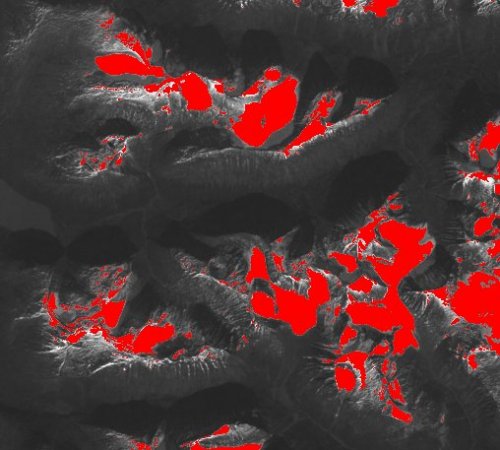
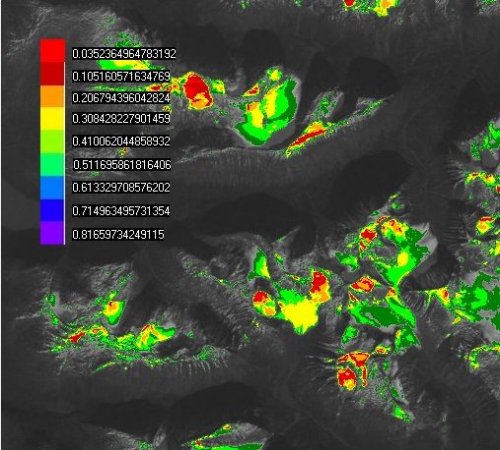
Snow pack coverage generated using the spectrum shown above and the PANCROMA™ Landsat Spectral Analyzer. The red areas show all of the reflectance values meeting the selection criteria. PANCROMA™ reports snow coverage area=11.335%. Knowledge of average snow depth through field sampling or fixed gauging would allow total water volume to be computed.


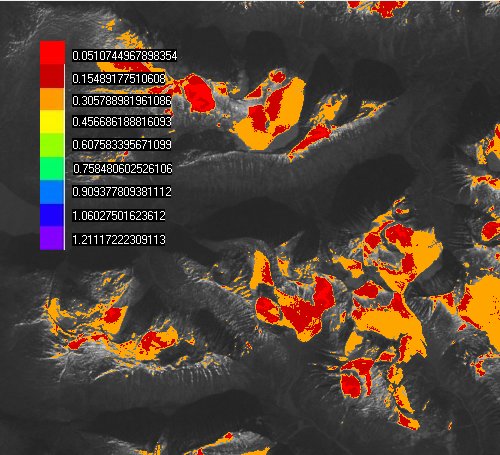
[Landsat Snow Pack Computed using Euclidean Distance Utility]

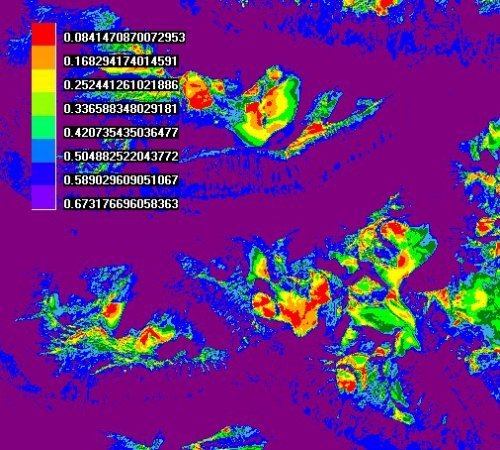
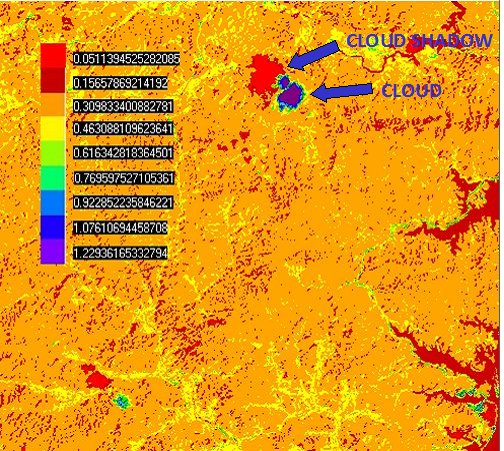
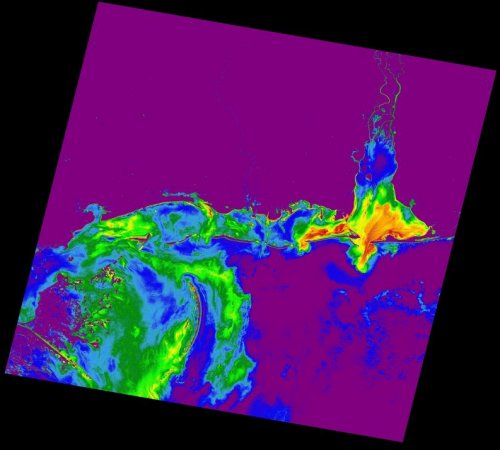
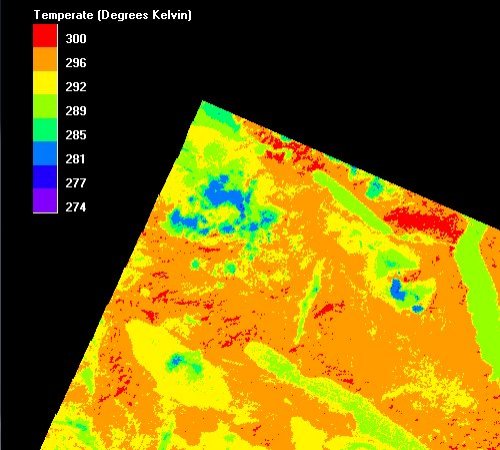
Euclidean Distance (Hypercube) analysis is another way to characterize surface features. This plot shows the Euclidean Distance of each multispectral reflectance vector from the target spectrum shown above (using the average band reflectances to constitute the target vector). Closest Euclidean distances (best match with the spectrum) are in red.


Multispectral analysis is one of the most exciting applictions of satellite data and one that will become increasingly important for earth exploration.


Benefit to You - Continuous Algorithm Development

What you buy today will just get better tomorrow, increasing the value of your investment! PANCROMA™ is continuously improved by the addition of new utilities, and you can upgrade for free for a year after you buy. Many new PANCROMA™ features resulted from quick response to users just like you.


Benefit to You - Responsive Customer Support

You can start using PANCROMA™ without even reading the manual. How ever it is good to know that you have resources like a detailed Instruction Manual, Tutorials, White Papers, on-line Videos, FAQ page, customer ftp file upload site, email and telephone support through land line, mobile or Skype. We take pride in our accessibility and personal service.

Need help now? Let us show you how. See our Satellite Image Processing Videos!


Benefit to You - Interoperability

You can import and export data in uncompressed GeoTiff format (among others), maintaining metadata throughout the work flow. So you can import satellite data, process it using PANCROMA™, and export it to your GIS applications.


See the Earth from a New Perspective - Today!

Start applying satellite image processing technologies to your projects. You can try PANCROMA™ pan sharpening without risk by simply clicking on the Trial download2 links or pancake buttons. Or Buy it Now to experience the benefits right away!


1Note: NASA, the USGS and GeoBase® request attribution statements but otherwise allow unrestricted commercial use of their data.

2Note: Clicking on the 'Download' link will give you the option of running the trial PANCROMA™ install program. When you attempt to download the trial version of PANCROMA™ you may receive warnings from your browser about the dangers of running .exe files on your computer. In general it is not a good idea to run such files from untrusted sources. I have attempted to establish your trust by disclosing details of who I am on the 'Contact us' link to the left. You can find out about me by viewing my Linked In profile, reading my White Papers, and visiting my TERRAINMAP™ website, which I have supported since 2000. Or call me on the telephone if you wish to establish my credentials and satisfy yourself that I and my software can be trusted.


PANCROMA™

Satellite Image Processing Software
Satellite Image Processing and Pan Sharpening only USD $49.95
"The Simple yet Powerful Satellite Image Processing Software"
http://www.PANCROMA.com

Web site and all contents © Copyright TERRAINMAP Earth Imaging LLC 2010, 2011, 2012. All rights reserved.
www.PANCROMA.com