PANCROMA Pan Sharpened Images

  Features

  -Downloads-

  -Order-

  -Pricing-

  User Manual

  Gallery

  Contact Us

  Applications

  Free Data

  Problems-FAQ

  Upgrades

  Videos

  About

  White Papers

  Requirements

  Privacy Policy

  Email Me
 
[Français]

[Transaction-Safe]
USD $49.95
(Money Back Guarantee!)

Create Pan Sharpened Images today!

Questions? Call USA +1.802.399.2246
jchilds@terrainmap.com
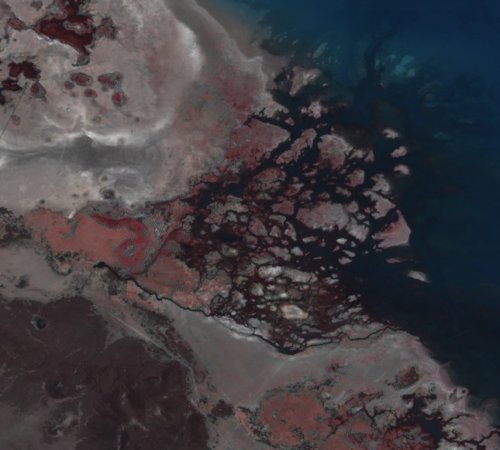

Pan Sharpening Doubles Free Data Resolution!

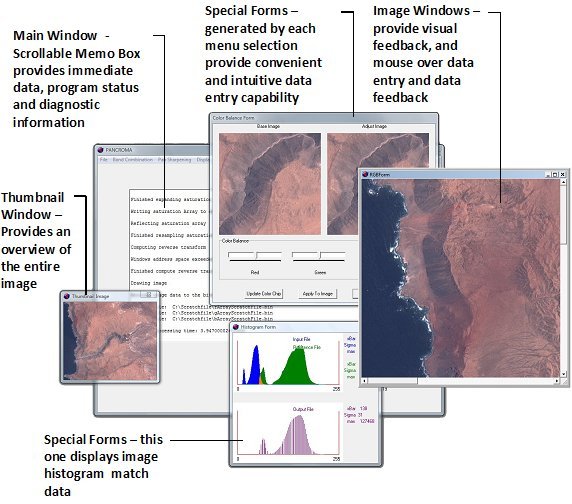
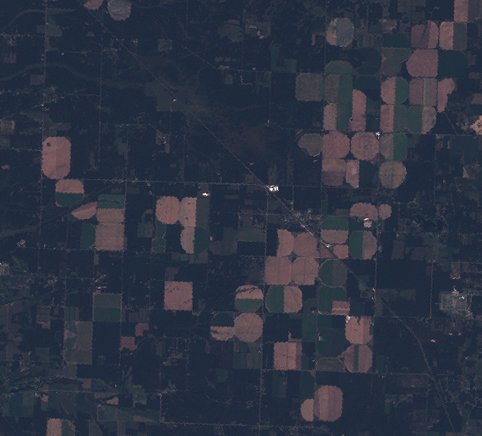
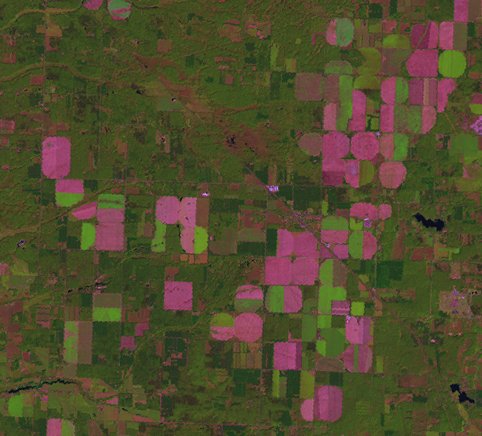
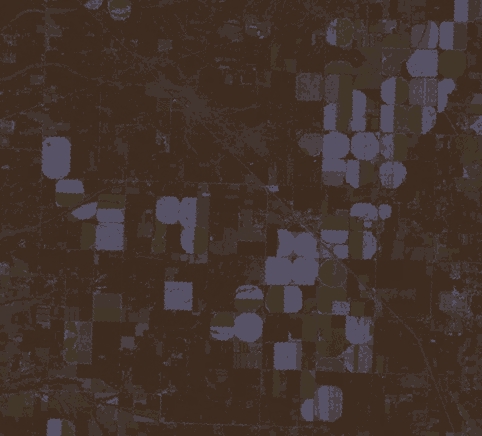
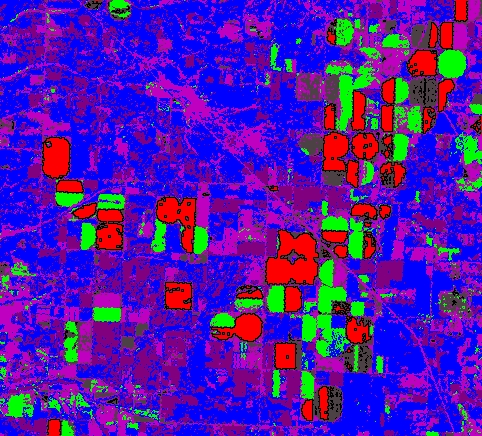
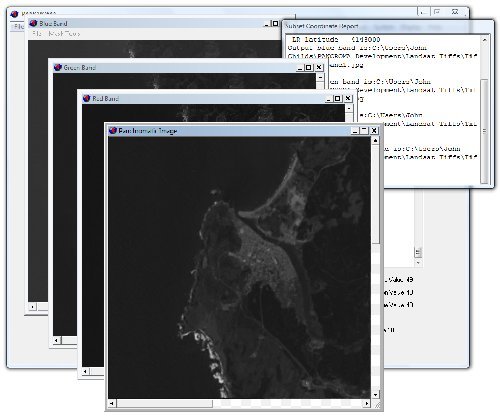
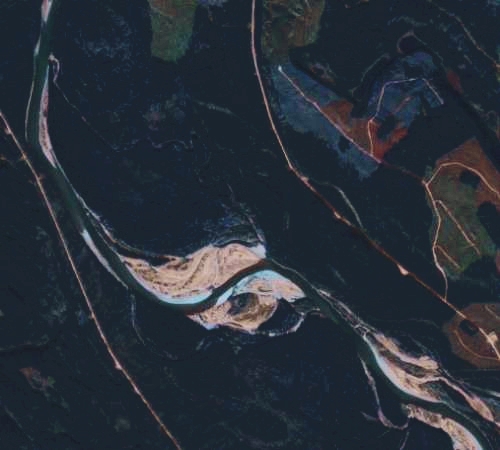
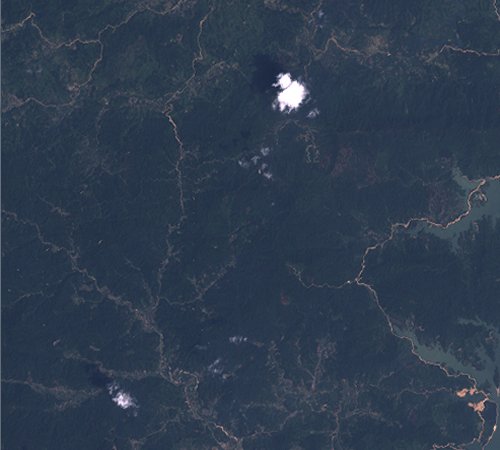
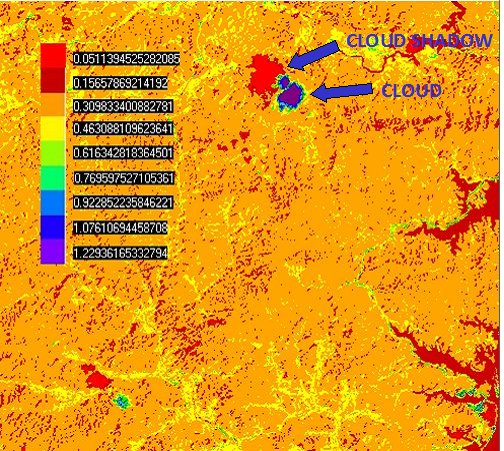
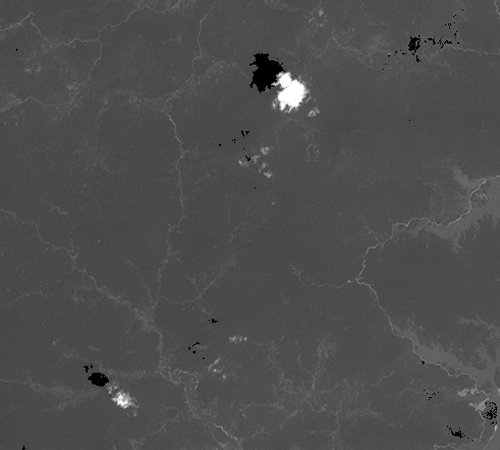
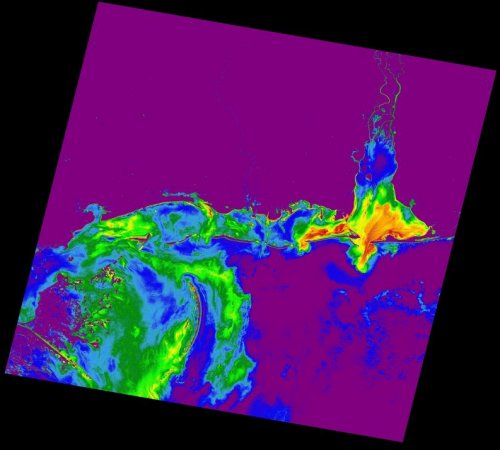
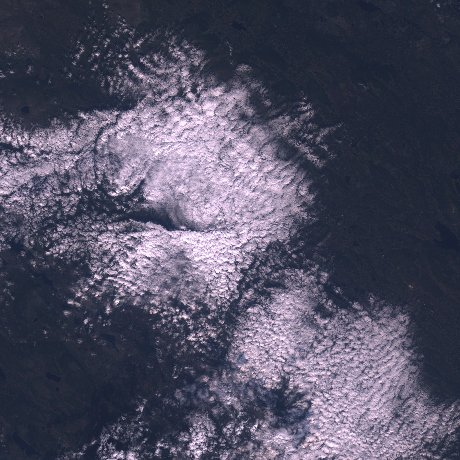
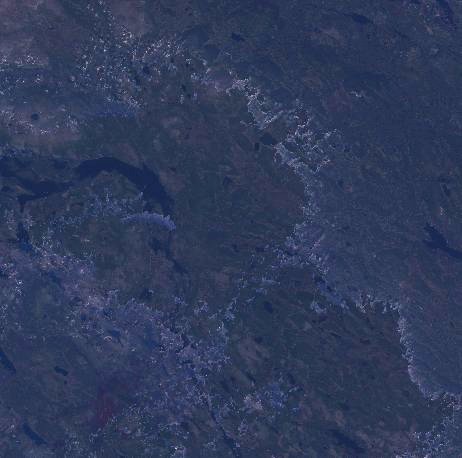
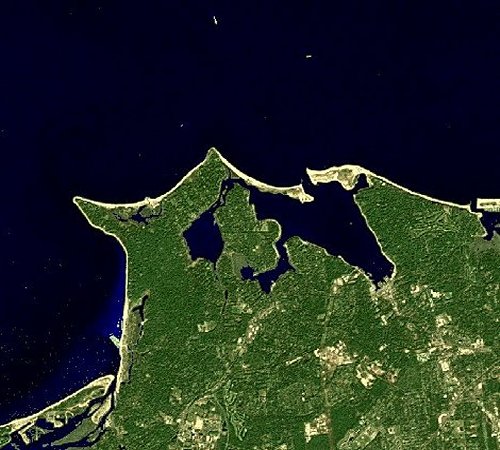
Trial Download1 PANCROMA, the Windows® PC application for pan sharpening free Landsat, SPOT® and commercial satellite data. PANCROMA's algorithms increase Landsat image resolution with virtually zero spectral distortion. PANCROMA also gap fills Landsat SLC-off data sets, and offers image processing utilities such as subsetting, haze reduction, cloud masking, image registration, tiling, atmospheric correction, scatter plot, band multiple regression, linear transformation, vegetation indices and many others. View a Screen Shot of PANCROMA, Trial Download, or Buy Now for USD $49.95!

What Can I Do with PANCROMA?

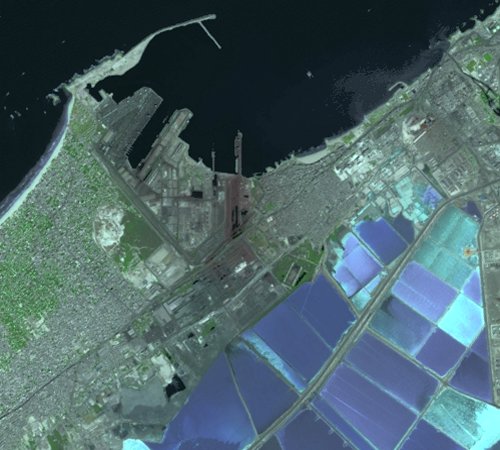
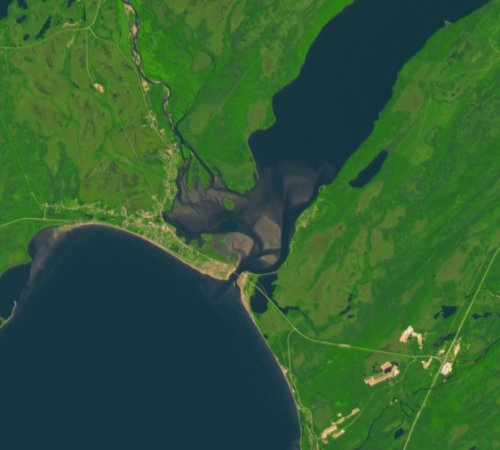
  • Cartographers can include distortion-free 15m pan sharpened true color images in their projects from the vast, unrestricted license³ Landsat database for anywhere in the world, license free²!
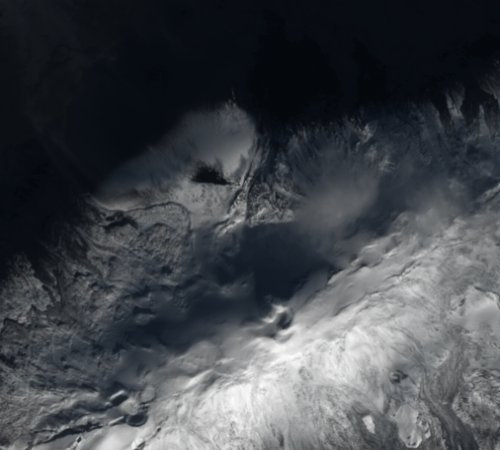
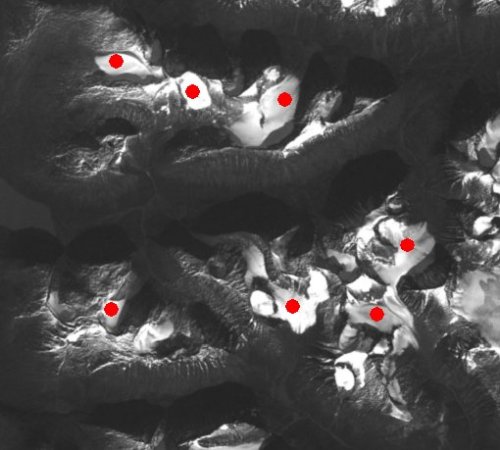
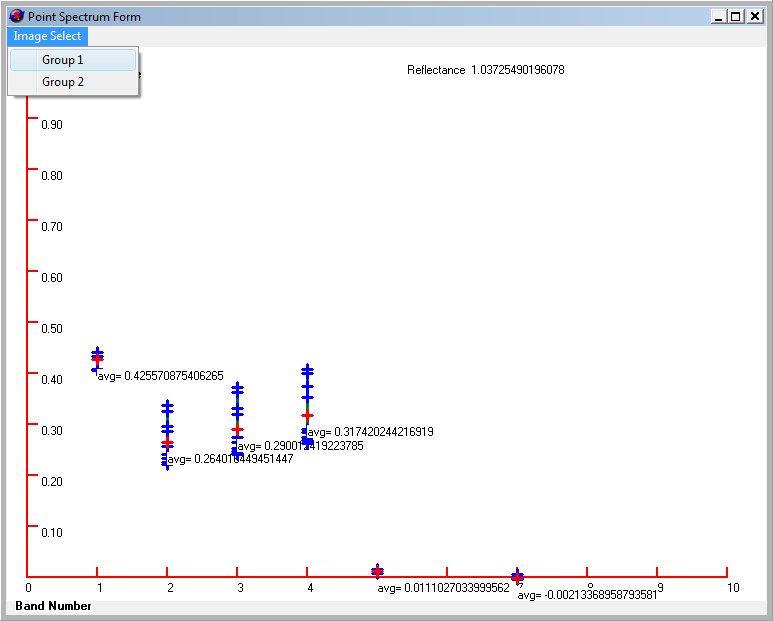
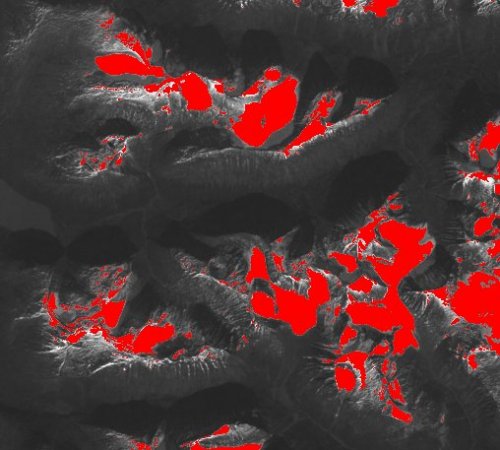
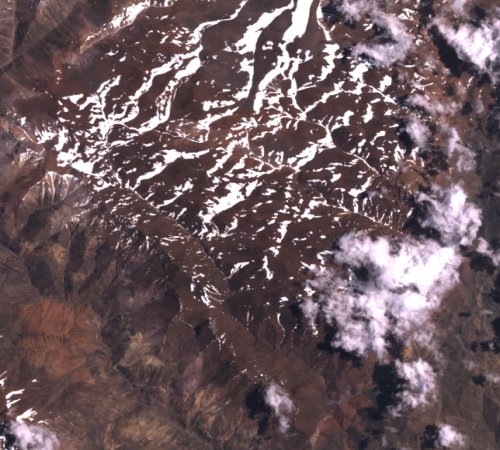
  • Scientists can extract valuable information from Landsat, EO-1 ALI, Hyperion, SPOT®, GeoEye® and Digital Globe® multispectral and hyperspectral satellite data using PANCROMA's image processing algorithms like the new Spectral Analyzer.
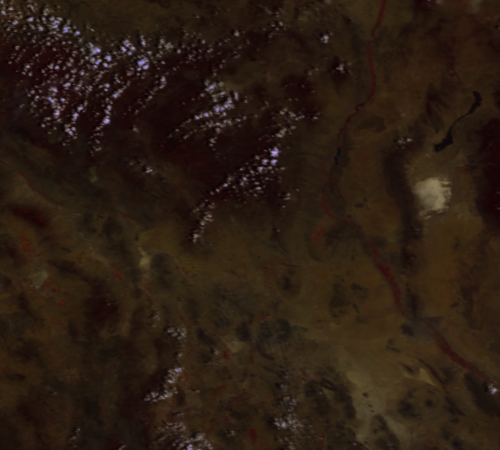
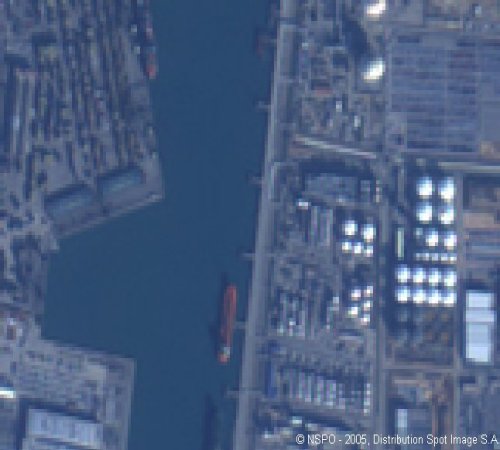
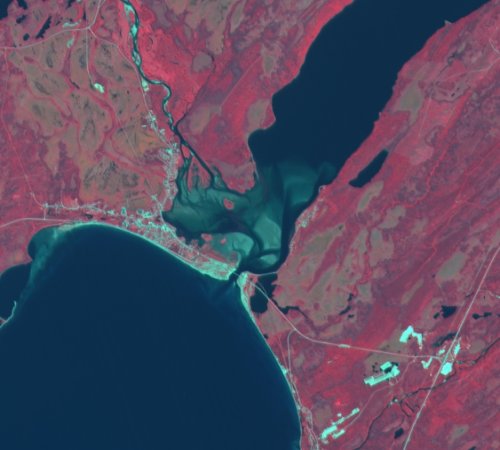
  • Canadians can create 10m true-color images from their free2 GeoBase® SPOT® national archive data for any part of Canada by pan sharpening Landsat with SPOT. Or pan sharpen the SPOT® multispectral bands to create useful 10m false color images.

Exactly What is Pan Sharpening?

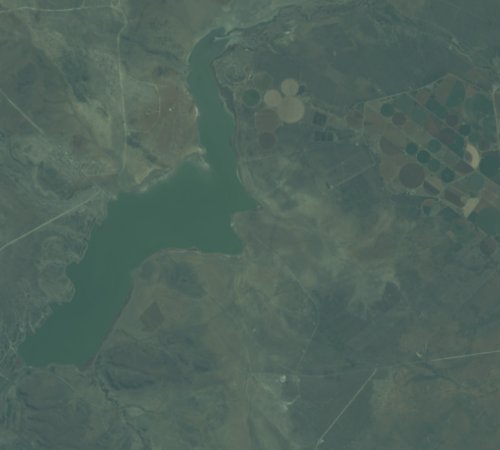
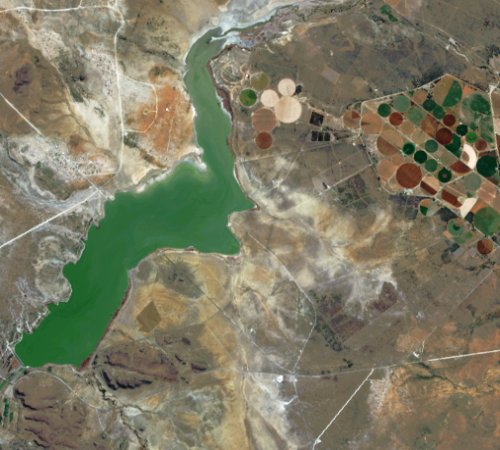
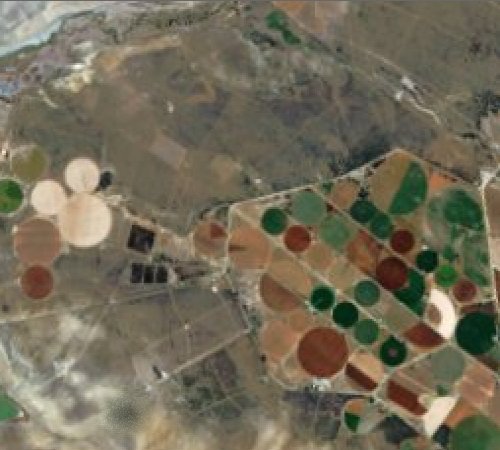
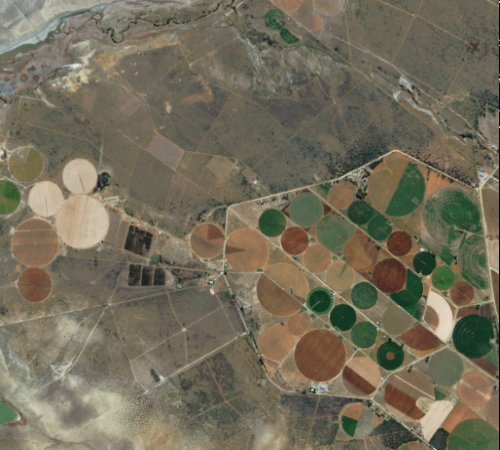
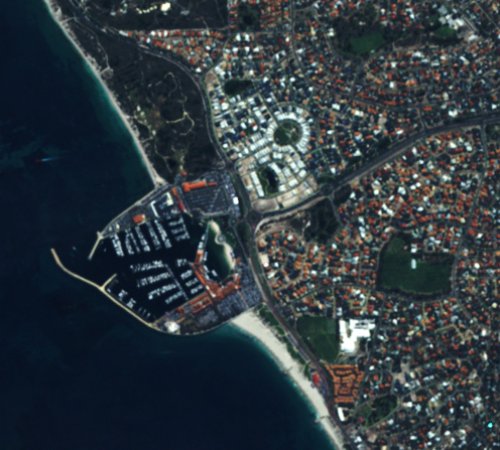
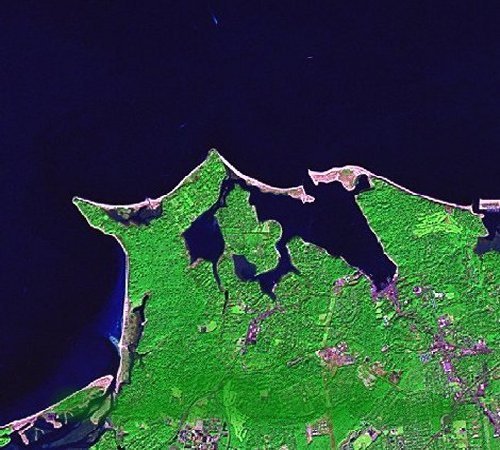
Pan sharpening is a fusion technique that produces a high-resolution color image from the low-resolution multispectral band files and the grayscale panchromatic band included in Landsat ETM+, SPOT®, Digital Globe®, GeoEye®, EO-1 and other satellite data bundles, doubling or tripling image resolution.

What is Gap Filling?

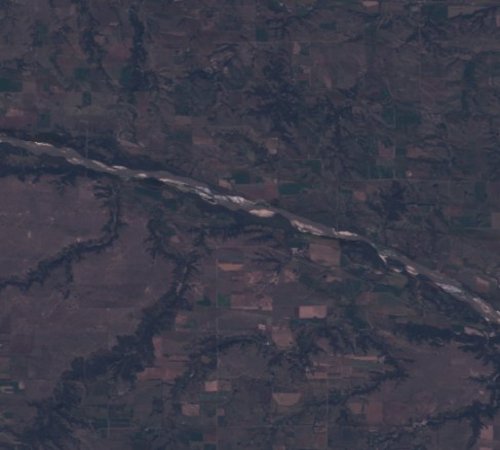
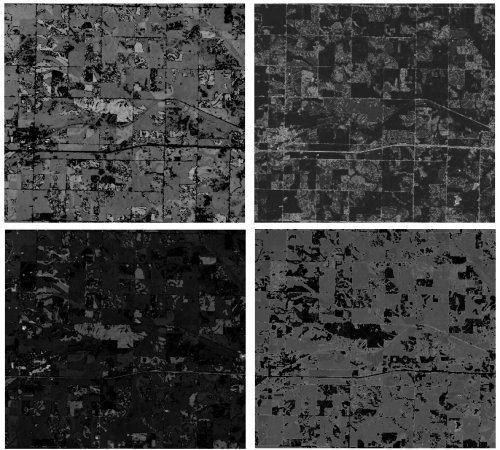
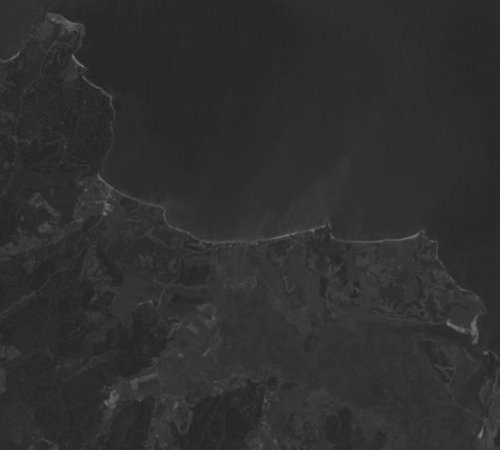
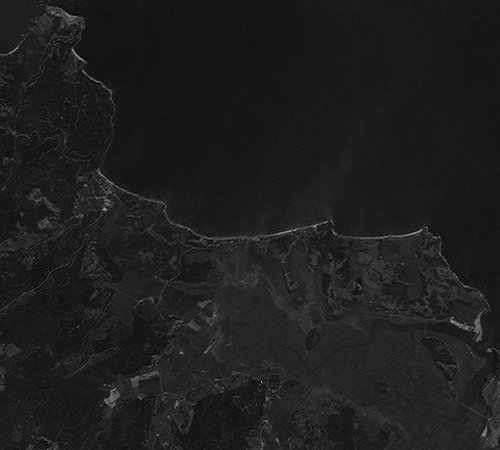
The Landsat 7 satellite suffered a partial failure in 2003 when its Scan Line Corrector (SLC) unexpectedly stopped operating. The SLC failure has resulted in gaps (black stripes) in every Landsat image collected since that time. PANCROMA provides three advanced algorithms to fill in the gaps, restoring post-2003 Landsat 7 images using pre or post 2003 source images.

Who Uses PANCROMA?

Professional cartographers, scientists, archaeologists, geologists, students, mapping enthusiasts, teachers, publishers, graphic artists, and anyone looking for a low-cost application to enhance and utilize free satellite imagery.

Continuous Algorithm Development

PANCROMA is continuously improved by the addition of new utilities, and you can upgrade for free for a year after you buy. Many new PANCROMA features resulted from quick response to user feedback. What you buy today will just get better tomorrow, increasing the value of your investment!

Responsive Customer Support

Pan Sharpening satellite data can be a challenging task, even for the experts. PANCROMA offers an extensive and detailed Instruction Manual, Tutorials, White Papers, on-line Videos, FAQ page, customer ftp file upload site, email and telephone support through land line, mobile or Skype. We are a small company that takes pride in its accessibility and personal service.

Interoperability

PANCROMA imports and exports data in uncompressed GeoTiff format (among others), maintaining metadata throughout the work flow. So you can import data, process it using PANCROMA, and export it to your GIS applications.

How Can I Try PANCROMA for Free?

You can try PANCROMA pan sharpening by simply clicking on the Trial download1 or , buy it now links or pancake buttons now!


1Note: Clicking on the 'Download' link will give you the option of running the trial PANCROMA install program. When you attempt to download the trial version of PANCROMA you may receive warnings from your browser about the dangers of running .exe files on your computer. In general it is not a good idea to run such files from untrusted sources. I have attempted to establish your trust by disclosing details of who I am on the 'Contact us' link to the left. You can find out about me by viewing my Linked In profile, reading my White Papers, and visiting my TERRAINMAP website, which I have supported since 2000. Or call me on the telephone if you wish to establish my credentials and satisfy yourself that I and my software can be trusted.

2Note: NASA, the USGS and GeoBase® request attribution statements but otherwise allow unrestricted commercial use of their data.

3Note: Google and Microsoft provide satellite data coverage for most of the world. However, use of this data is restricted subject to the terms and conditions of the provider. Google for example allows free use of their imagery as long as the data is continuously available via Internet access and as long as no access fee is charged. Although it is possible to "rip" tiles and reassemble them for other uses, such a practice might violate copyright laws. Google uses image watermarks to help enforce their ownership rights. Landsat data on the other hand is copyright-free.


Privacy Policy


Web site and all contents © Copyright TERRAINMAP Earth Imaging LLC 2010, 2011. All rights reserved.
www.PANCROMA.com